The no-code app for building volumetric scenes. Import your 3D models, light and arrange them, add motion, sound and effects, and play the whole thing back on a Voxel display.
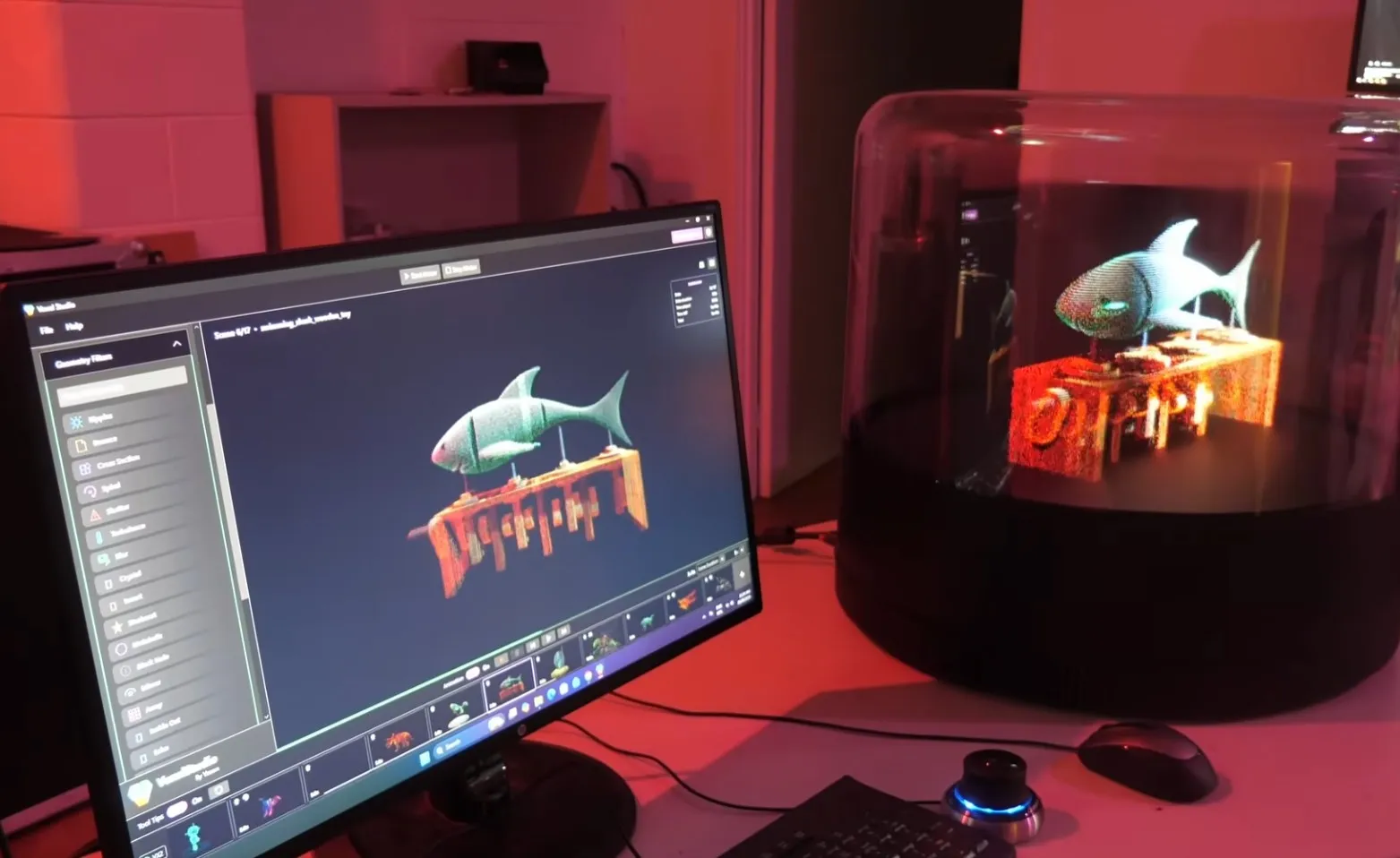
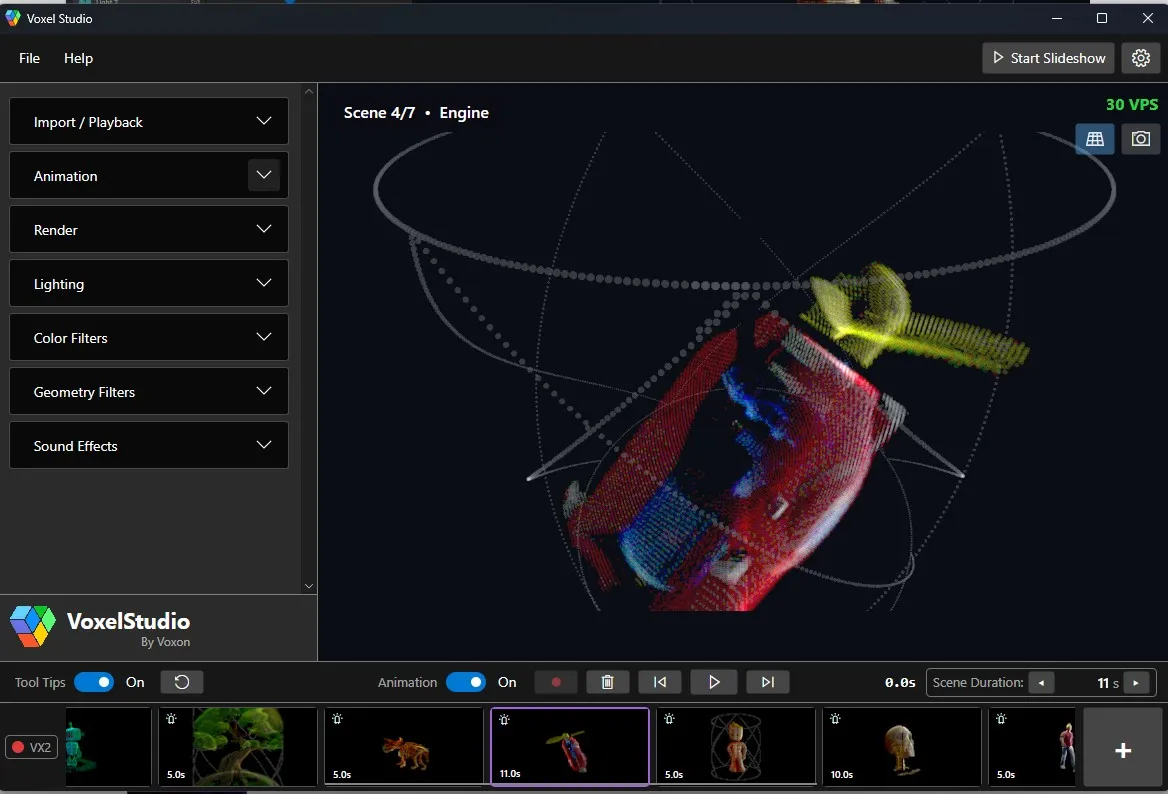
VoxelStudio is a scene authoring tool for the Voxel VX2 and VX2-XL. Import your 3D models as scenes, author each one — transforms, lighting, filters, sound and per-frame motion — then sequence them and present the whole thing as a looped slideshow in the volume. No code required, and it runs in an on-screen simulator when no hardware is attached.
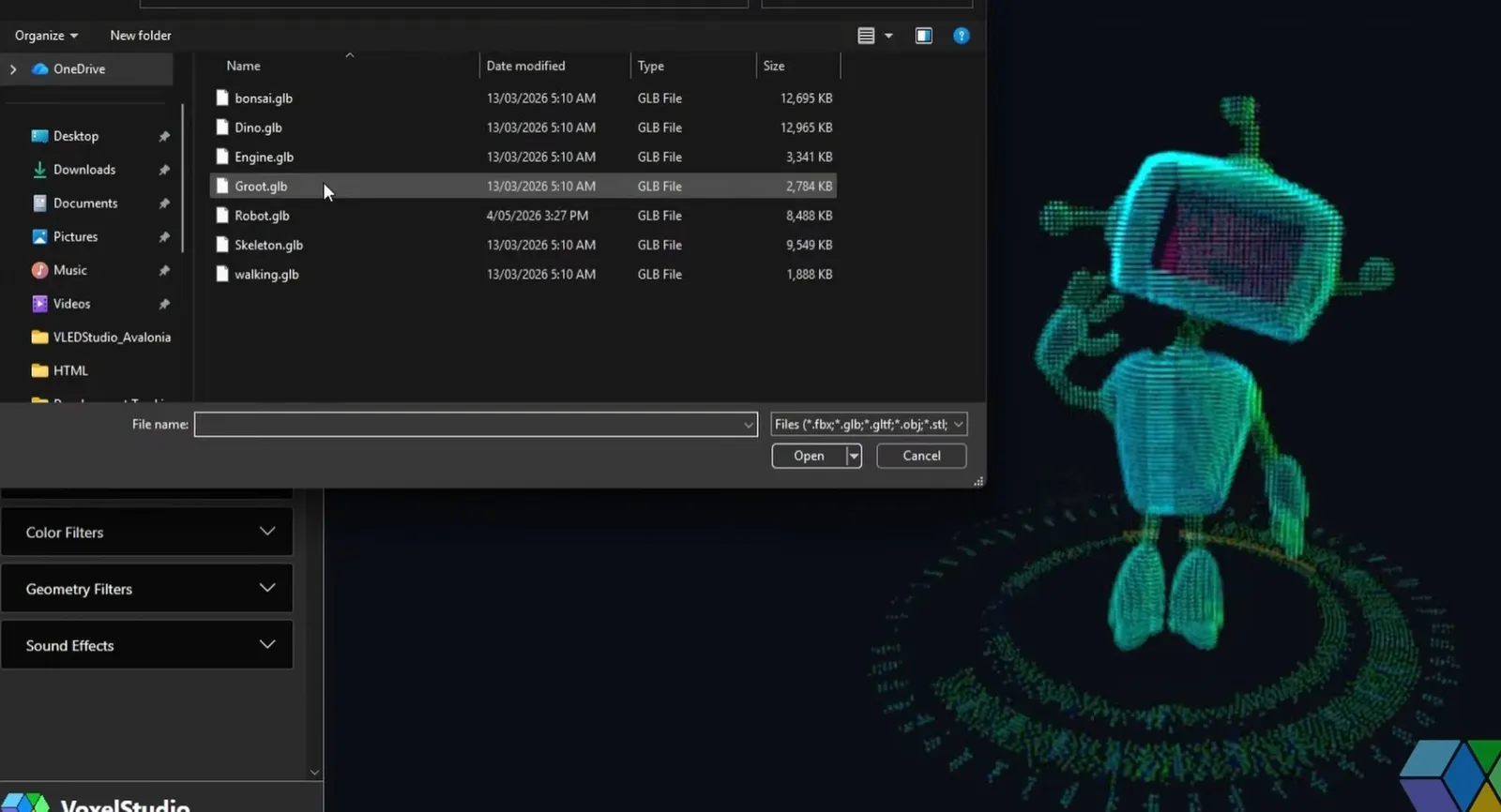
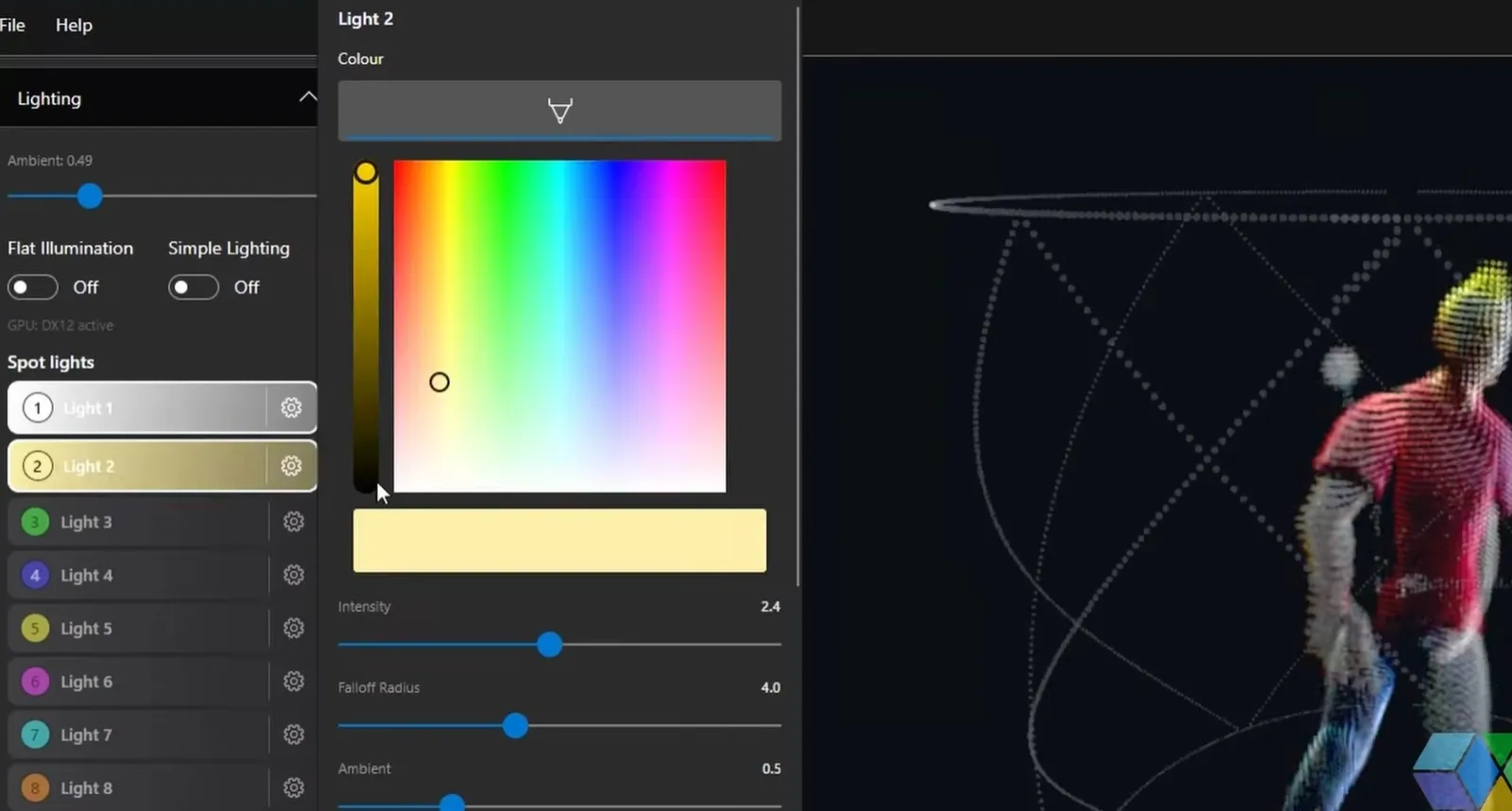
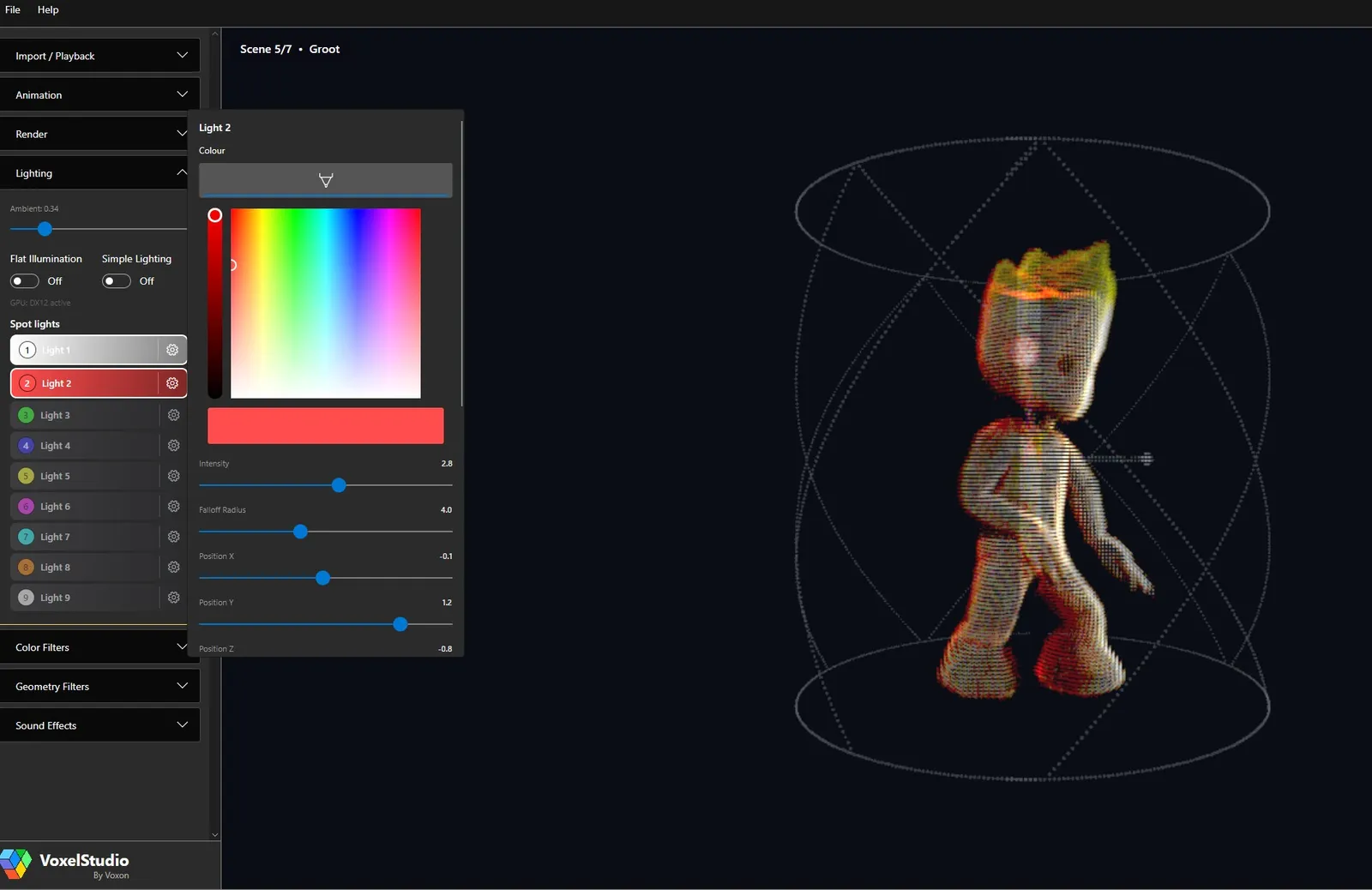
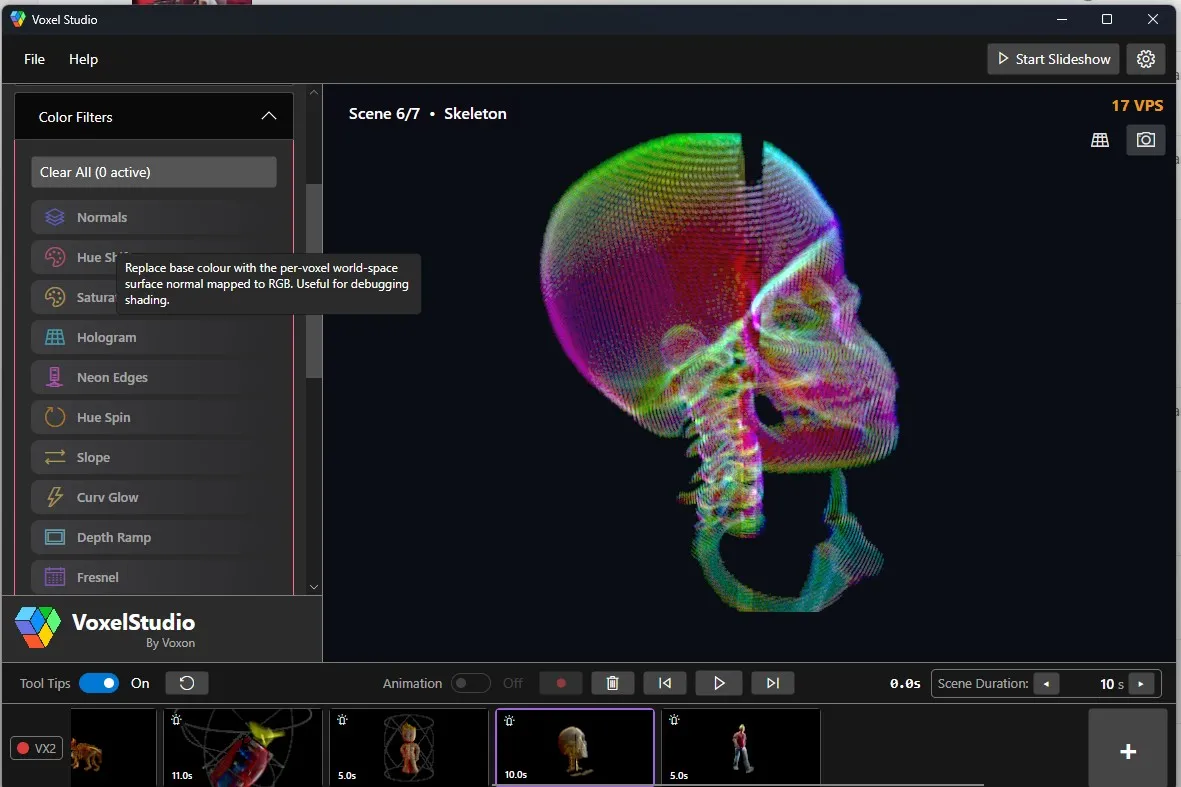
Drop your models into a scene and position, scale and rotate them inside the volume. VoxelStudio imports the formats you already work in — FBX, GLB, glTF, OBJ, STL and PLY — and lets you shape the look with GPU-driven lighting, 22+ colour filters and 18 geometry filters.
Animate by moving the model with the keyboard, mouse or a 3Dconnexion SpaceMouse while VoxelStudio records every frame — then overdub extra passes on top, looper-pedal style. Add a music track and per-scene sound effects, and your recording plays back in perfect time across the slideshow.
VoxelStudio is where your content comes together. Author scenes from scratch, or bring work across from your existing pipeline — including scenes baked out of Blender with the VLED Blender Plugin, opened via File → Import Baked Scene…. When a scene is dialled in you can bake it out to a lossless video for lightweight playback.
Download VoxelStudio as part of the Voxel VLED environment, open it on a machine with a VX2 or VX2-XL, import a model, and press play to see it in the volume. Prefer to try first? Open the in-browser simulator to preview volumetric playback without hardware. For the full walkthrough, read the VoxelStudio user guide.
Explore the VX2 and VX2-XL, try the live simulator, or talk to us about your use case.